

How to Open a Second Quilter Invest Account
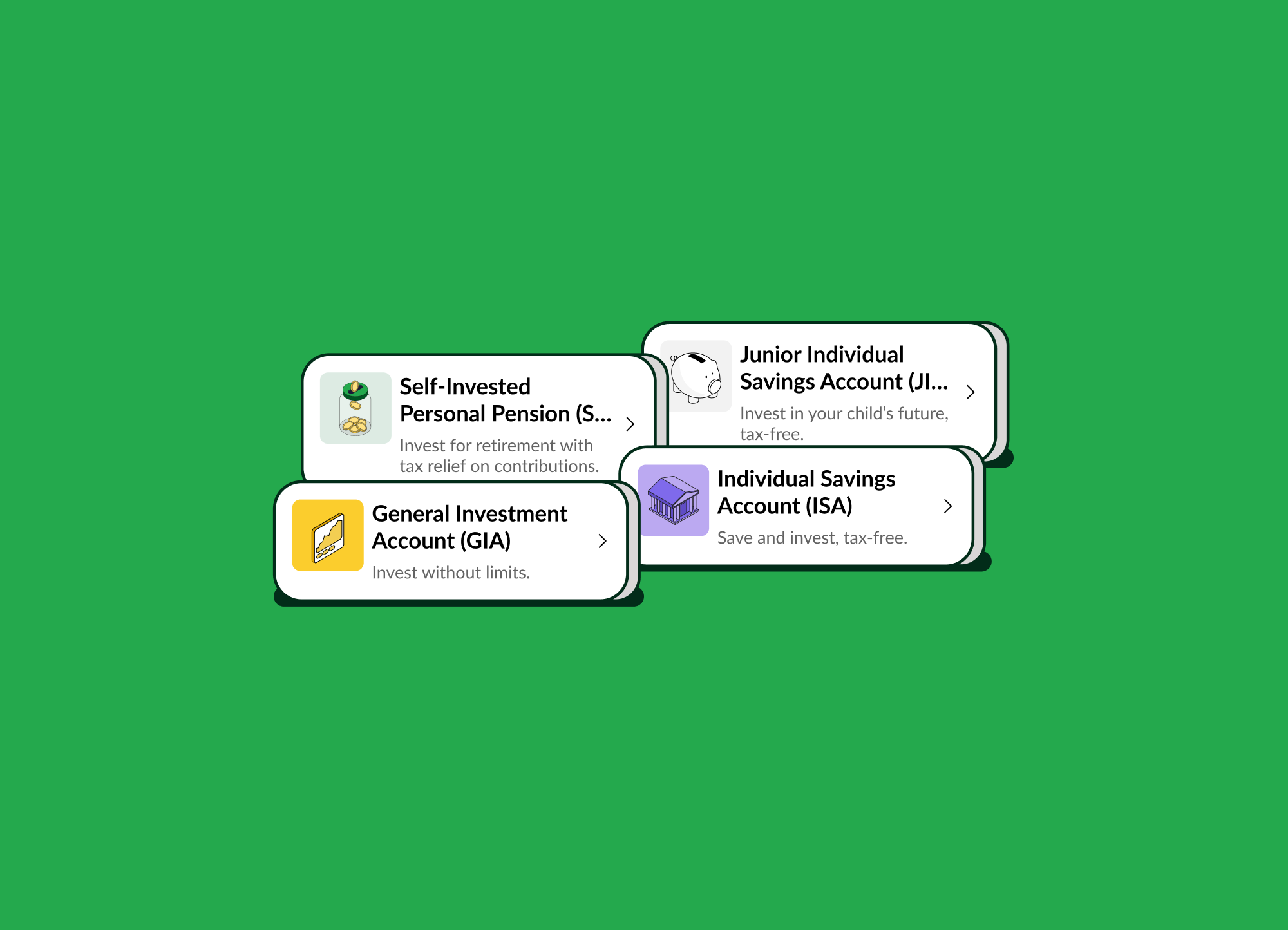
Opening an additional account with Quilter Invest only takes a few taps. Whether you're looking to make the most of your tax allowances, open an account for your child, or just try a different account type, you can open a new account at any time directly from the app.
Tax treatment depends on your individual circumstances and may be subject to change in the future.
Before You Start
Make sure you have:
- The latest version of the Quilter Invest app installed
- Your existing Quilter Invest account login details
- Any funds you'd like to add to your new account
Steps to Open a Second Account
1. Open the Quilter Invest App
Launch the Quilter Invest app and sign in to your account.
2. Access the Account Menu
From the home screen, tap on your current account type in the top left corner to view your accounts.
3. Select ‘Create New Account’
.png)
4. Click Invest, Save, or “All Accounts” to see our full range of options.
Then select the account you'd like to open, such as:
- Individual Savings Account (ISA) - our Stocks and Shares ISA
- General Investment Account (GIA)
- Junior Individual Savings Account (JISA) - for your child
- Self-Invested Personal Pension (SIPP)
- Savings Account
The accounts available to you may vary. When investing the value of investments can go down as well as up, so you may get back less than you invested.
.png)
5. Complete the Application
Follow the on-screen steps to confirm your details and accept any relevant terms and conditions.
.png)
6. Add Money to Your New Account
Once your account has been opened, you can add money straight away by Clicking “Add Money” and start saving or investing.
.png)
7. Switch Between Accounts
To switch between your accounts, click your currently selected account type in the top left corner of the home screen. A pop up will show you your various accounts, as well as the option to create more.
.png)
Why Open a Second Account?
Many customers choose to open an additional account to:
- Separate different financial goals
- Keep short-term savings separate from long-term investments
- Open a GIA once ISA limits are reached
- Manage family or household finances more easily
- Consolidate all pensions into one single convenient pot
If you're opening a SIPP or transferring existing pensions, remember that a SIPP is designed for long-term retirement saving. The value of pension investments can go down as well as up, so you could get back less than you put in. You're responsible for your own investment decisions. Check whether you'll lose any valuable benefits or guarantees before transferring a pension. Tax treatment depends on your individual circumstances and may be subject to change in the future.
Need Help?
If you're having trouble opening a second account, visit our FAQs or get in touch with our support team at support@quilterinvest.com.

.jpeg)

.jpg)